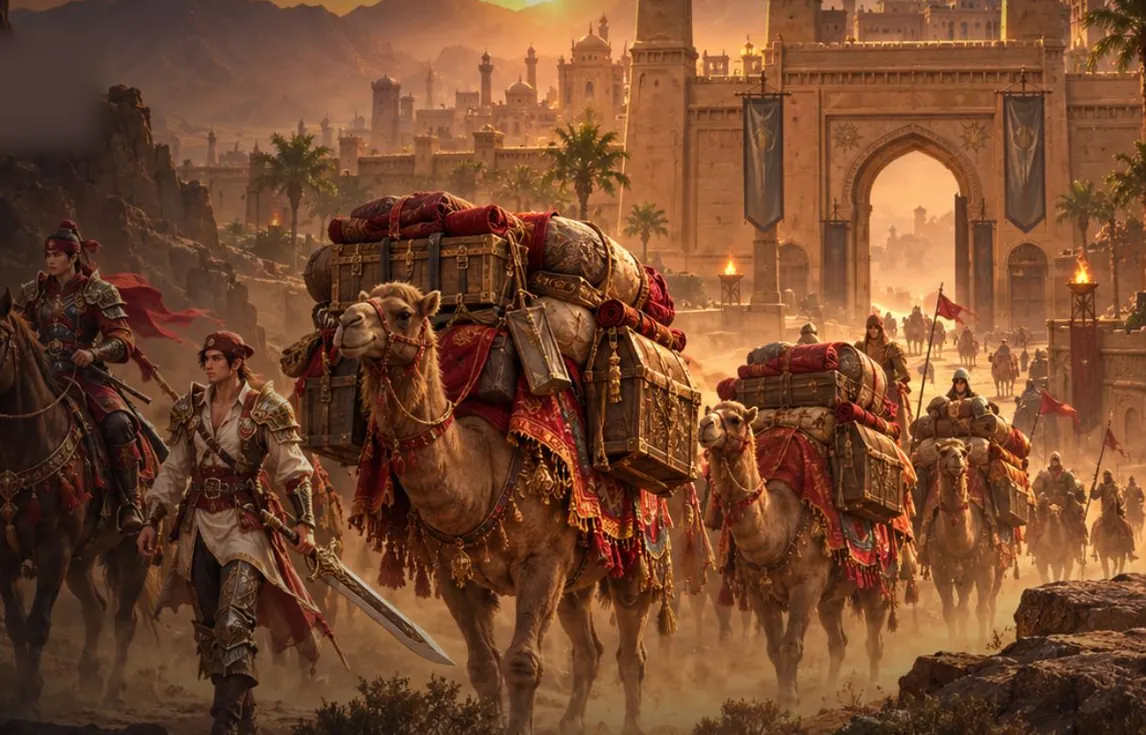
Nova comes from drops.
Degree 10–11 gear and SoX.
Hunt, take your drop, upgrade your gear.
Current SoX target: on average SoX per 1000 normal monsters.
Current SoX: across the whole server, SoX a day (degrees 9, 10 and 11).
- players in game right now
Server time
This site is also available in English.
Switch to English
BETA WebSro Online is a fan project that brings the Silkroad Online experience to your browser with v1.188 content. Development continues toward a 110 cap server, and you can join the open beta. Silk is Free during the BETA.
Our goal is fun and a real Silkroad experience in your browser.
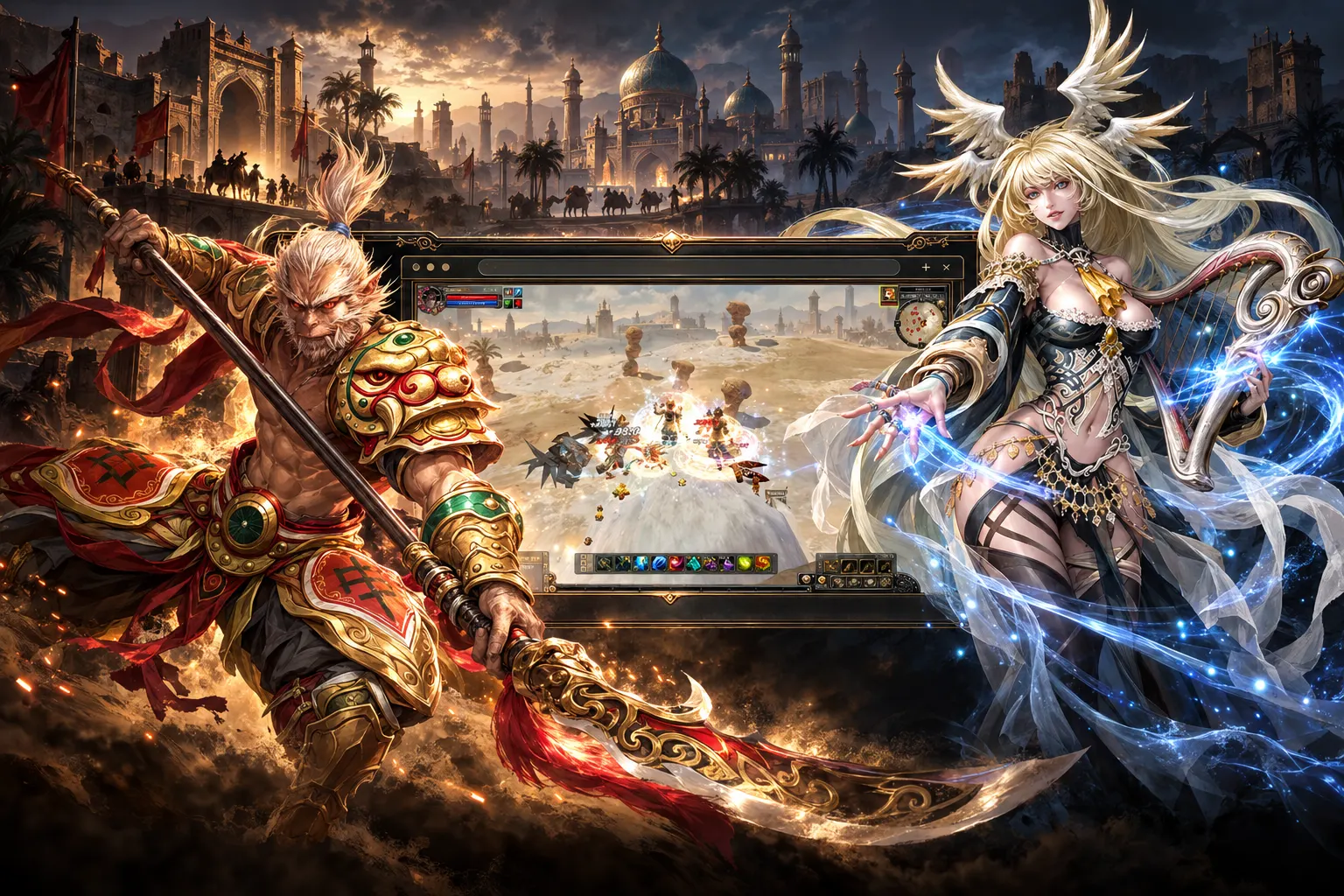
Learn About the ServerWebSro is a free, independent fan server where you play Silkroad Online (SRO) right in your web browser, with no download and no install. The server is in open beta, developed as a 110 cap server (level cap 110) with v1.188 content. All you need to play is an up-to-date desktop browser with WebGPU support (Chrome, Edge or Safari): sign up free on this site, press "Play" and create your character.
THE LEGEND YOU KNOW. A NEW GATE.
110 cap. True to the original. With the spirit you have missed.
No download. No install.
Chrome · Edge · Safari An up-to-date desktop browser with WebGPU
Rates are read live from the server and change here when the server changes them.
Loading rates…
The bustle of the caravan roads, the thrill of waiting for a drop,
new friendships… An adventure full of nostalgia is waiting for you.
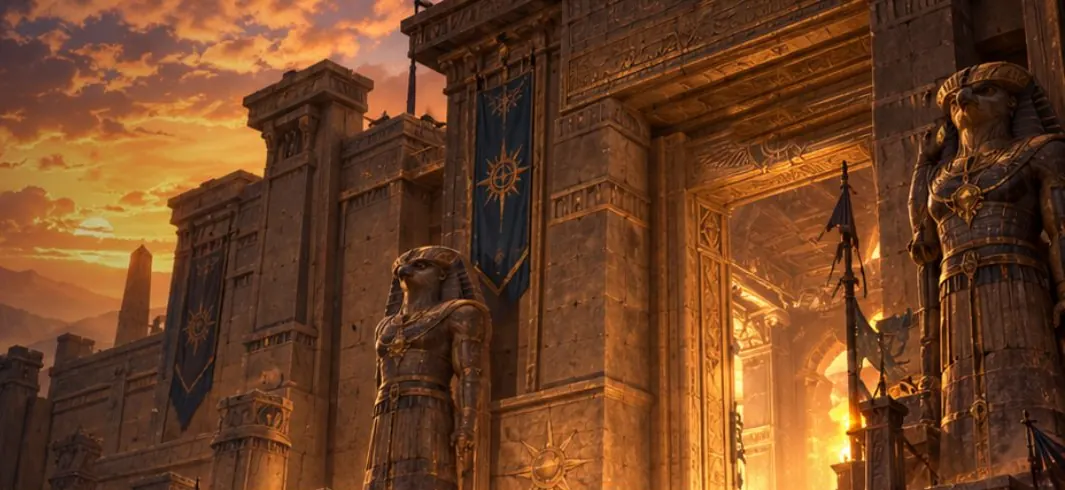
Dimension Holes, the Wreck, Togui and
the fight against Commander Sereness.
Degree 10–11 gear and SoX.
Hunt, take your drop, upgrade your gear.
Current SoX target: on average SoX per 1000 normal monsters.
Current SoX: across the whole server, SoX a day (degrees 9, 10 and 11).
Every map is open to explore.
The Medusa and Roc fights are on.
Help players who are new to the game, for the Academy buffs.
Feel that familiar camaraderie again with new companions on the road.
New quests and a progression path are in development.
Race for Nova on your bot.
Feel the thrill of the drop again.
Set up your grinding with mBot-style bot settings. Race other players for Nova and feel that familiar drop thrill again.
Hand your bot over to the server with Silk; keep grinding on the server even after you close your browser.
Join the parties of the system bots on the map.
Grow together with shared EXP and items.
They fight automatically in set training areas. When their party has room they send invites; join them to train together or to grow your character.
The thrill of slipping past the thieves and finishing the trade route…
Choose your road, take your risk; leave your mark on the Silk Road again.
Create your listing on the Web Market.
Set its price in Silk.
When the sale completes,
the Silk goes to your account.
Turn the Silk you earned from sales
into TL and request a cash withdrawal.
The availability of the Web Market and TL transactions, and the conversion and withdrawal terms, are announced on the web panel.
Outside the game, too,
meet at the same table.
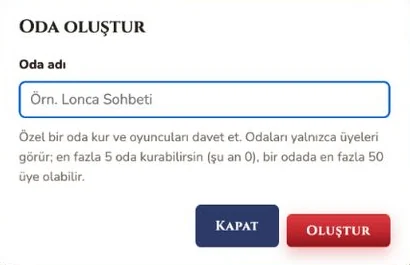
Stay in touch with players from the website panel.
Gather your crew and keep talking in your private room.
Talk one-on-one with players and make your plans together.
In-game trade is open. Post your listing in the website's trade chat.
Voice chat is joining the community experience.
COMING SOONYour accounts are kept when the beta ends; everyone starts the grand opening with a new character.
WebSro is in open beta and still being developed as a 110 cap server: features, rates and rules may change during the beta. Follow the changes in the News section.
The Silk you top up during the beta
comes back at the grand opening with a 15% bonus, credited to your account again.
Use the “Report an issue” and “Report a bug” buttons in the right corner of the game screen. Each valid bug report earns you a Silk reward on your account at the grand opening.
The game runs in up-to-date desktop browsers that support WebGPU.
Chrome · Edge · Safari
Each browser logs in with one character. Play separate characters in different supported browsers.
Silk is bought on the website. Purchase details and everything about the systems are waiting for you at websro.online.
The most common questions about playing Silkroad Online in your browser. If you have another problem, log in and write to us from the Support page in the Account Panel.
Create a free account on this site, then press the "Play" button. The game opens in a new tab, right inside your browser; once you log in and create your character, you are playing Silkroad Online. You don't need to download a separate game client.
No. WebSro runs entirely in your browser: no install, no client patch, no extra programs. The game's files load into your browser as you play and are read from the browser's cache on later visits.
Yes. WebSro is being developed as a 110 cap (level cap 110) Silkroad Online server. The current level cap and rates are read live from the server and shown on the About the Server page.
Yes. Creating an account and playing are free. WebSro is in open beta; Silk is Free during the BETA.
You need an up-to-date desktop browser with WebGPU support: Google Chrome, Microsoft Edge or Safari is recommended. If you see the "Graphics could not be started (WebGPU)" warning, update your browser, turn on hardware acceleration in its settings and update your graphics card driver.
When it starts, the game always asks the browser for the high-performance graphics card; on computers with both an integrated and a dedicated card the dedicated one is usually chosen on its own. If the browser on Windows still uses the integrated card: go to Settings → System → Display → Graphics, choose Chrome (or Edge), set Options to "High performance", then close the browser completely and open it again. You can also pick the high-performance processor for the browser in the NVIDIA or AMD control panel. To see which card is in use, type chrome://gpu in Chrome's address bar.
Not yet. Right now WebSro can only be played in a web browser on a computer; we are working on a mobile version. You can still use the site, the rankings and the account panel on your phone.
Press "Sign Up Free" on the member card on the home page and enter a username, your email address and a password. If email verification is on, enter the code sent to your address. You log in to both the site and the game with the same username and password.
Log in, open the Silk page in the Account Panel, choose a package or enter an amount, add your phone number and send a request; the team reviews your request and gets in touch with you. You can see the status of your requests on the same page. Item Mall purchases with Silk are made inside the game.
WebSro is being adapted to Silkroad Online v1.188 content: the Chinese and European races, Forgotten World, Temple, Battle Arena, Devil Spirit and Magic POP are in the game. As new regions and systems arrive, we announce them in the News section.
No. WebSro is an independent fan project and is not affiliated with the Silkroad Online trademark owner in any way. Silkroad Online and its name, logo and images are the trademarks of their owner.
The web market is closed right now.
The Web Market is for members only. Log in to see the listings and buy.
Log InItems players put up for Silk in the chat's # trade channel are listed here. An item you buy goes to your account's storage and the Silk you pay goes to the seller, in one step. To post a listing, use the chat's # trade channel .
Names that start with what you type are listed (not case-sensitive). Players who hide their profile do not appear in search; a hidden guild leader's name is shown as “a hunter”. Search does not show equipment.
Log in to see your account panel, characters, Silk balance and chat.
Insults, swearing, advertising and selling accounts or items are not allowed. You can send a message to the staff with “Report” and hide a player from yourself with “Block”. Messages are kept for 90 days in the # general and # trade channels and for 1 year in private rooms and private messages; to enforce the rules, the staff team can also see messages in private rooms, but sees private messages only after a report or through a logged account search. A private message you write to an in-game character also reaches them as a whisper under your name starting with [Web] when the character is in game; it does not reach someone who blocked you in game. You can attach an image (PNG, JPEG, WebP; up to 5 MB) to a message: the image's location and camera data are removed, and the image is deleted when the message is deleted.
| Character | Level | Race | Job | Guild |
|---|
| No. | Date | Silk | Status |
|---|
Enter your MaxiCard (MaxiGame e-pin) code and password; once the card is accepted, the Silk reaches your account within a few minutes.
The Silk each card amount gives is listed in the Silk for each card amount table. Never share the code or password; WebSro staff never ask for card codes.
| Date | Code | Amount | Silk | Status |
|---|
TL transactions are closed right now; your balance and requests are below.
| Date | Activity | Amount | Status |
|---|
Items you bought and sold on the site from # trade listings, newest first. Your Silk top-up requests are on the Silk page.
| Date | Trade | Item | Other party | Amount |
|---|
| Character | Started | Ended | Silk |
|---|
This report is closed. To write about the same topic again, you can open a new report.
Moderator view: players' reports. Players do not see internal notes; every action is written to the audit log.
Your reports are never deleted; only you and the staff team can see them. When a reply arrives, a mark appears next to “Support” in the menu, and if you turned on notifications, your browser lets you know too. Location and camera data are removed from screenshots.
Loading Server Bot…